
Experience a tailored walkthrough of our solution and find out how it fits your workflow perfectly.
Contact Us
- +1 (346) 772 7281
- [email protected]
- 17350 State Highway 249, Ste 220 Houston Texas 77064
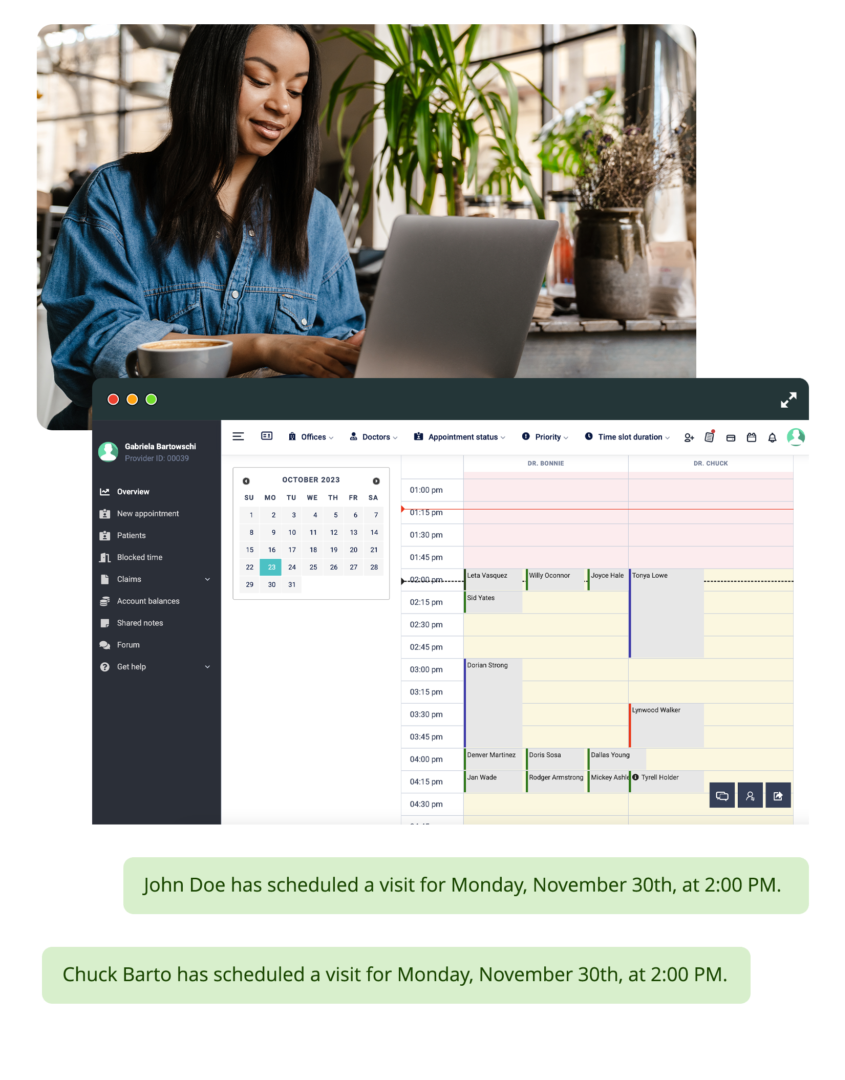
Most EHRs offer a set of SOAP note templates. You pick the closest one and adjust your workflow to fit it. Digital Patient Chart gives you Form Builder v2, which lets the practice create any SOAP note form from scratch without developer involvement. Define your own fields, sections, and data types per specialty. The AI reads the custom form schema and maps voice transcription to your fields during the encounter. The form dictates the AI behavior, not the other way around.
Create SOAP note forms, intake questionnaires, consent documents, and progress tracking forms using a visual builder. Define fields, sections, field types, and validation rules. No developer required.
The AI reads the custom field schema before transcription begins. When the provider speaks, the system maps what is said to the specific fields defined in the practice\u2019s template. Custom terminology lands in custom fields.
Assign different SOAP templates to different specialties. A chiropractic adjustment documents with one form. A shockwave treatment documents with another. A single multi-specialty visit generates separate SOAP sections using the correct template per specialty.
The system studies notes the provider has approved and begins matching the provider\u2019s documentation style. Over time, the AI produces drafts that sound like the provider wrote them, not like a generic template filled in.
How the custom SOAP form builder works
Practices switching from another EHR often have established SOAP note formats they want to preserve. Our onboarding team recreates existing documentation templates in the form builder, configures per-specialty assignments, and trains providers on voice documentation with their custom forms so the AI maps correctly to the practice\u2019s specific field definitions from the first appointment.
Read More


We use first-party cookies to run this site and understand how patients find us. Privacy